Tap with visible boundaries
Place a target, set its radius, and keep randomized taps inside the circle you can see.
 Phone OperatorGet the app
Android touch automation
A no-root auto clicker for repeatable taps, swipes, timing, and reusable mixed-action scripts.
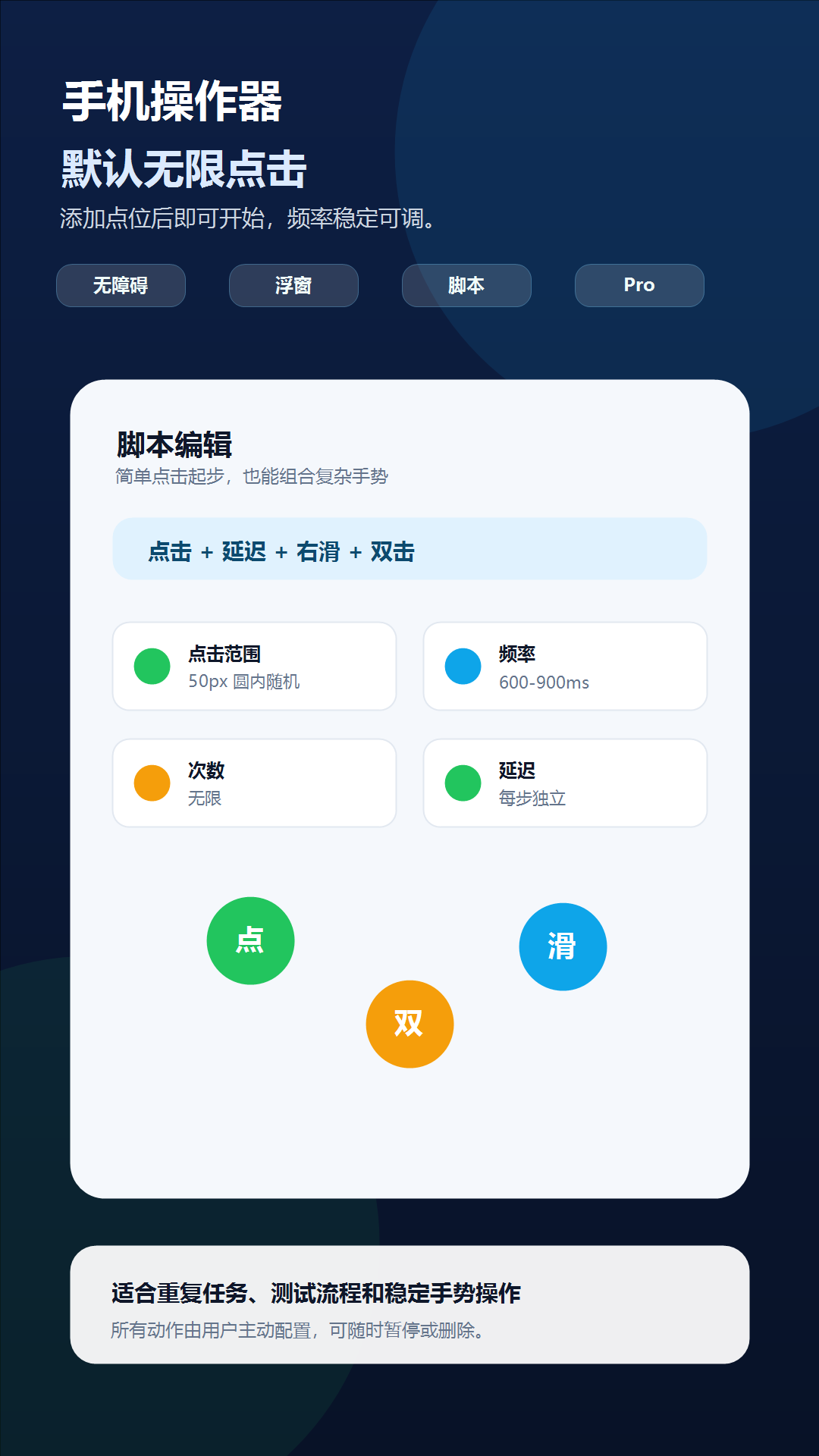
Single taps
Double taps
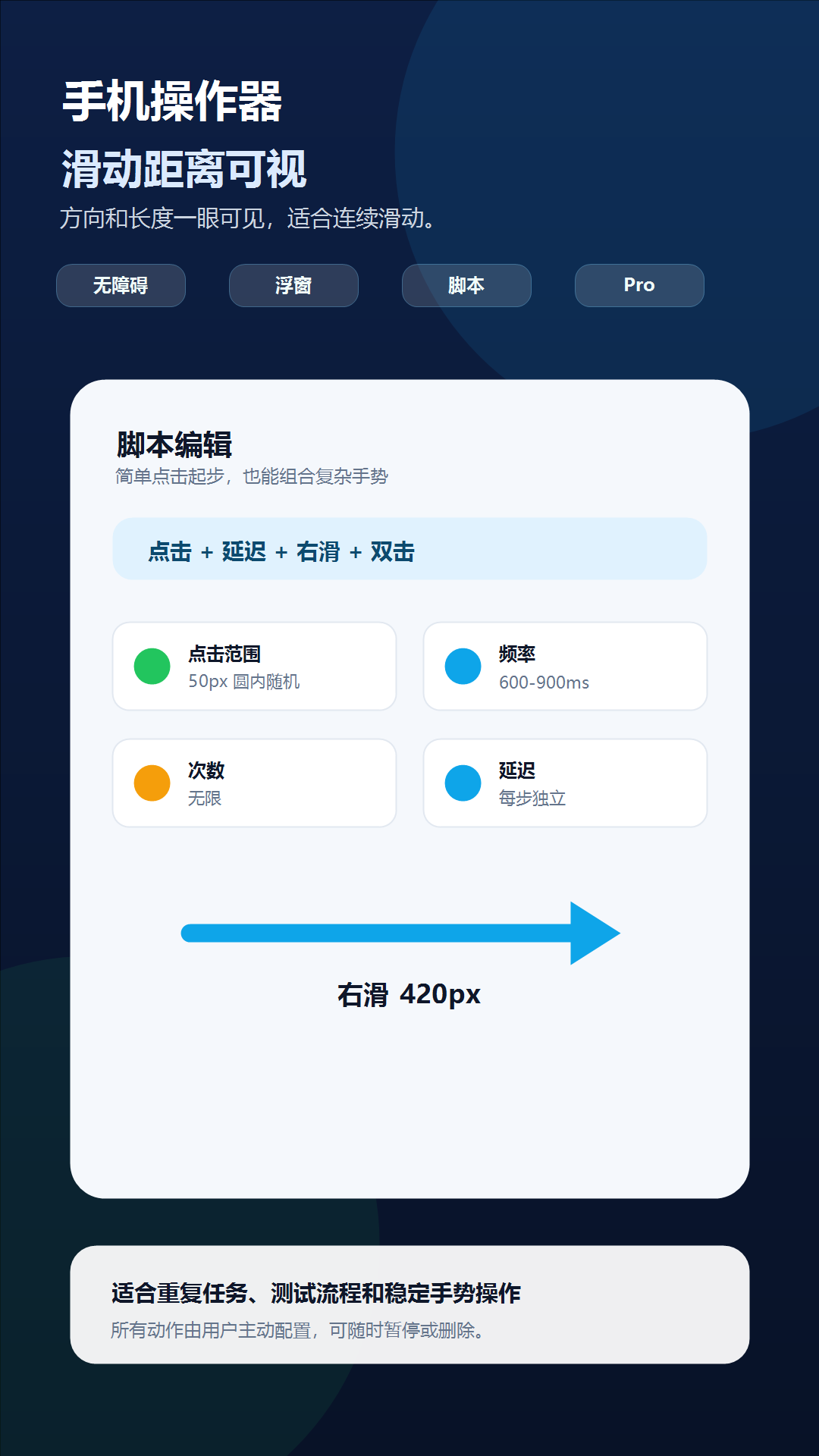
Directional swipes
Random ranges
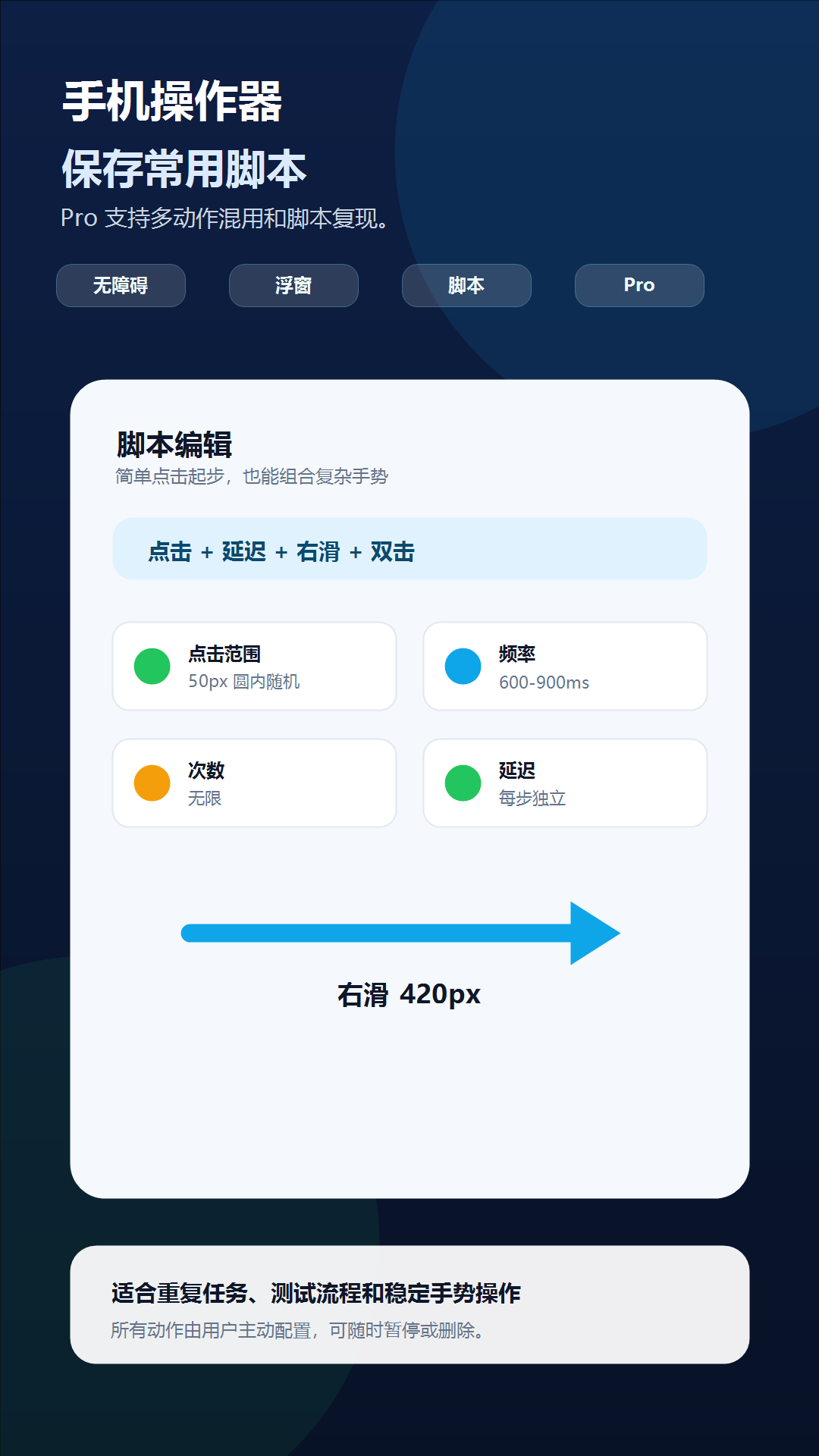
Reusable scripts
Made for repeatable work
Every action has its own timing and range, so a simple constant tap stays simple while advanced sequences remain fully configurable.
Place a target, set its radius, and keep randomized taps inside the circle you can see.
Combine taps, double taps, four-direction swipes, delays, loop counts, and per-action timing.
A movable floating controller keeps start, pause, and stop actions close without hiding the target app.
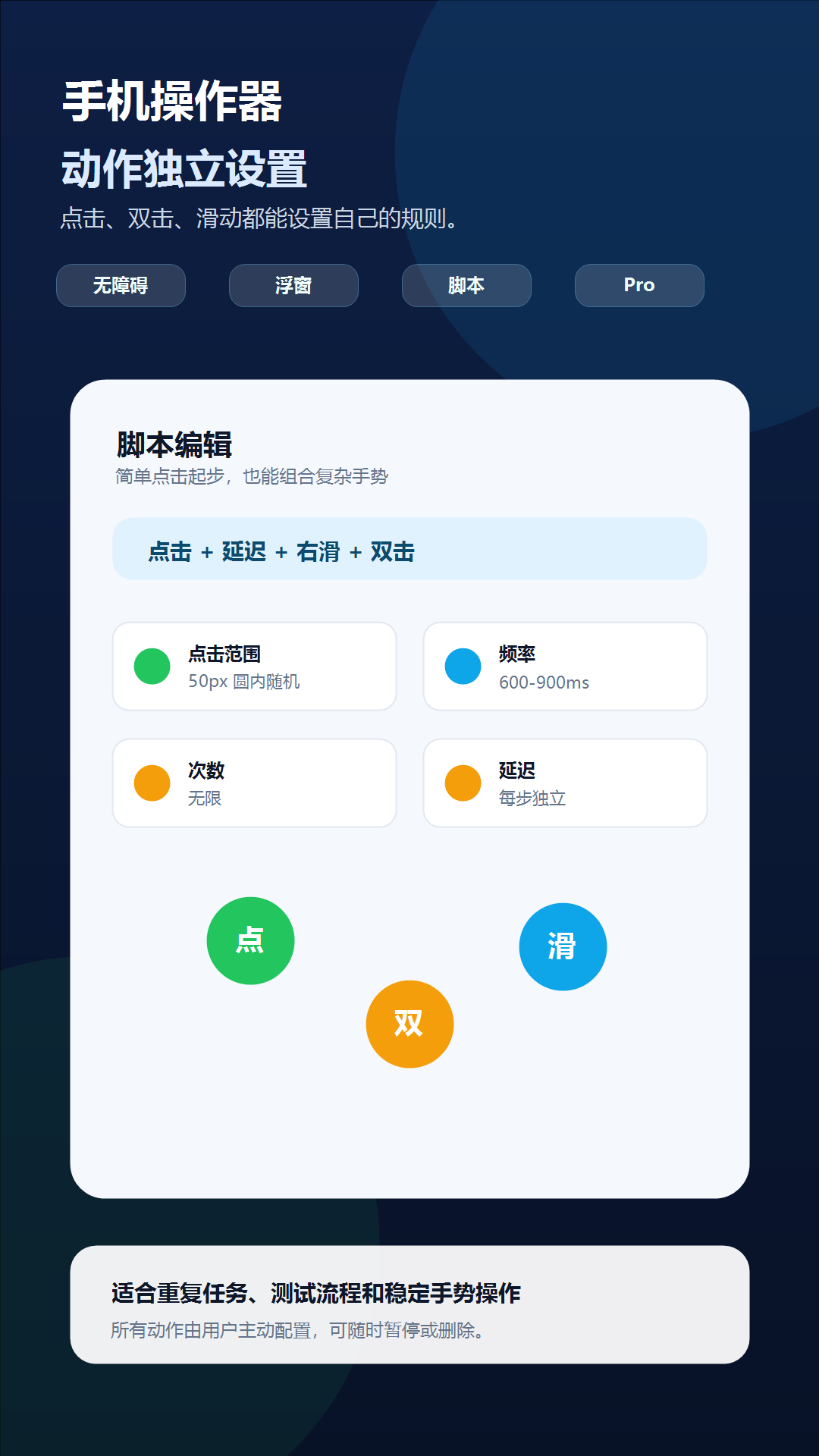
A clear four-step flow
Create a tap, double tap, or swipe action.
Move each marker to the exact screen position.
Set range, interval, delay, direction, and repeats.
Start from the floating controller and stop at any time.
Pro automation
Pro unlocks multi-action scripts and script sharing. The free tier keeps straightforward single-point clicking available, while optional rewarded ads can provide a temporary Pro trial.
Permission transparency
Used only to execute taps and swipes that you configure and start. Phone Operator does not read, store, or upload screen content.
Used for visible action markers and the movable controller. You can disable this permission from Android settings at any time.
Scripts stay on your device. Anonymous one-time setup milestones are counted without screen content, a persistent installation ID, or ad targeting.
Common questions
No. It uses Android Accessibility Service after you explicitly enable it.
Yes. Pro scripts can mix taps, double taps, swipes, delays, and repeat settings.
No. The accessibility service executes configured gestures; it does not read or upload screen content.
Do not run scripts on payment, transfer, account-security, consent, or other sensitive screens. Always follow the rules of the target app.
Available on Android