
Permission transparency
How Phone Operator works
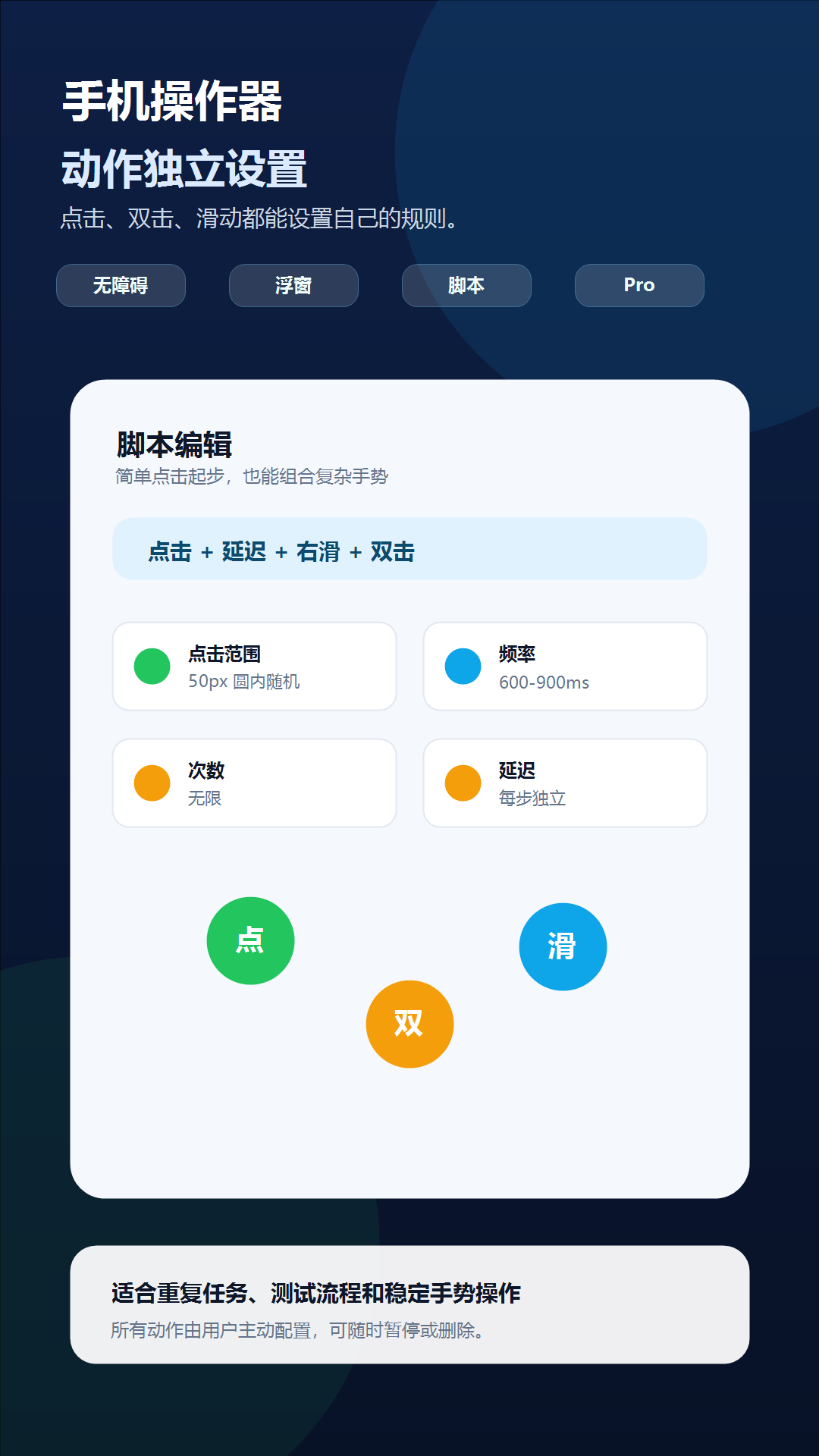
Phone Operator works without root on Android 8+. Its Accessibility Service executes only user-configured gestures after you start them. The overlay is used for controls and markers, so you can position an action and keep Start, Pause, and Stop available above the target app.
Phone Operator does not collect, store, or upload screen content. Action positions, timing, ranges, and saved scripts remain on the device. Review the full privacy policy before enabling permissions.
Start deliberately
Practical steps
- 1Choose a reversible test flowUse a staging account or non-destructive screen with no payment, privacy, or irreversible action.
- 2Record the expected statesDefine what the tester must see before and after every repeated gesture.
- 3Build a finite sequenceConfigure taps and swipes with conservative delays and a small repeat count.
- 4Observe and documentWatch each run, stop on the first unexpected state, and capture the device and app conditions for reproduction.
Good fit
Use it for stable, coordinate-based checks
Phone Operator can help a human tester repeat fixed gestures while observing animation, scrolling, missed input, layout stability, or a bug that appears after several cycles. Independent action delays make it useful for exploring whether a transition needs more time on a slower device.
It is not a replacement for Espresso, UI Automator, Appium, assertions, test data management, or CI. It does not identify controls semantically or decide whether a screen passed. The tester remains responsible for the expected result.
Reproducibility
Control the variables around the gesture sequence
Keep device orientation, display scale, app version, account state, network condition, and starting screen consistent. Use finite loops and reset the test data between runs when the workflow changes state.
Save separate scripts for separate test cases instead of creating one long routine. A short script with a named purpose is easier to review, share with another tester through Pro, and invalidate when the interface changes.
Check one variable at a time
Troubleshooting
- If results differ between devices, compare display scale, navigation mode, screen size, and animation speed.
- If a run becomes nondeterministic, increase transition delays and reset the starting state before each attempt.
- If a keyboard or dialog shifts the layout, stop and create a separate script for that state.
- If the app blocks automated input on a protected screen, do not attempt to bypass that protection.
- If a bug cannot be reproduced reliably, record the observed state changes instead of increasing the loop speed.
Safety boundary
Use automation responsibly
Use staging data and reversible flows. A coordinate script should never be aimed at production purchases, transfers, consent, account deletion, or security controls.
Do not automate payment, purchase, transfer, account-security, privacy-consent, or CAPTCHA screens. Do not use Phone Operator for fake engagement, cheating, bypassing safeguards, or any action that violates the rules of the target app. Stop whenever the screen is different from the one you tested.
Common questions
Questions about repeat gestures during manual android ui testing
Is Phone Operator a full Android test framework?
No. It is a supervised coordinate-gesture helper, not an assertion engine or CI test framework.
Can a tester share a reproduction script?
Pro supports script sharing, but the receiving device must still validate positions, layout, and starting state.
Why use finite repeats for testing?
A known count makes results easier to compare and prevents a changed screen from receiving unlimited input.