
Permission transparency
How Phone Operator works
Phone Operator works without root on Android 8+. Its Accessibility Service executes only user-configured gestures after you start them. The overlay is used for controls and markers, so you can position an action and keep Start, Pause, and Stop available above the target app.
Phone Operator does not collect, store, or upload screen content. Action positions, timing, ranges, and saved scripts remain on the device. Review the full privacy policy before enabling permissions.
Start deliberately
Practical steps
- 1Map the screen statesWrite down what must be visible before each tap, double tap, or swipe and where the screen changes.
- 2Test every action alonePlace one marker at a time and confirm its direction, range, duration, and timing on a harmless test flow.
- 3Order the actionsAdd the proven actions to a Pro script in the same order as the real workflow.
- 4Add transition delaysWait after navigation, animation, or loading steps, then run one short finite loop while watching the screen.
Per-action control
Give each step the settings it actually needs
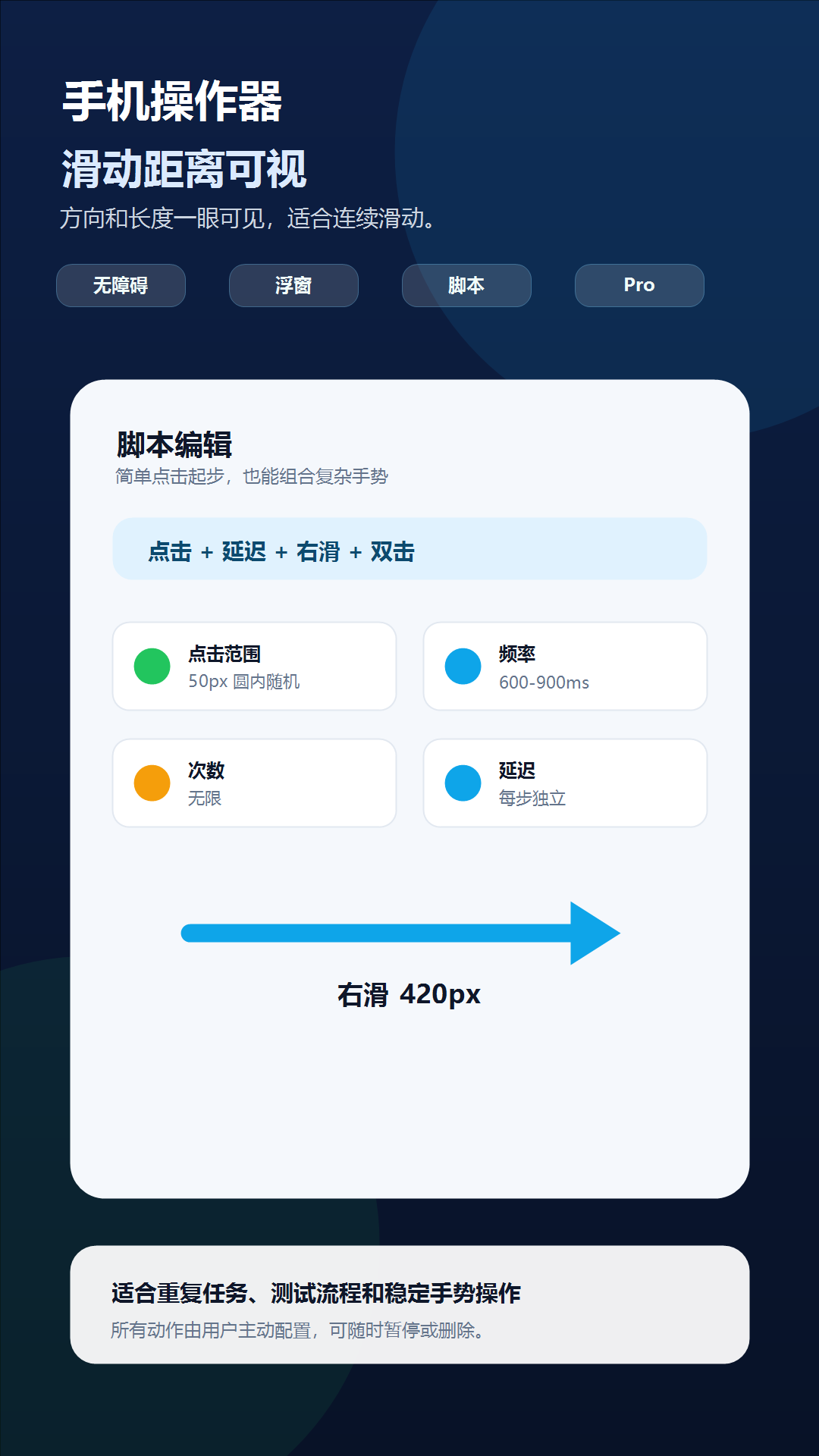
A compact button may need a zero tap range, while a large stable control can tolerate a visible random radius. A swipe needs its own direction, length, and duration. Phone Operator keeps these settings on the individual action instead of applying one timing profile to the whole script.
Use the action delay for the pause before the next step. The delay after a swipe or page-opening tap should be long enough for the destination to settle on the slowest device and network state you intend to support.
Controlled validation
Validate one loop before enabling repetition
Run the completed sequence once with a finite count and keep the floating Stop control reachable. Confirm every marker still matches the target after scrolling, keyboard changes, pop-ups, and page transitions.
A saved script replays coordinates and timing; it does not understand a changed screen. Revalidate it after the target app updates or whenever the layout, display scale, orientation, or navigation path changes.
Check one variable at a time
Troubleshooting
- If a later tap lands early, increase the delay on the preceding navigation or swipe step.
- If only one action is inaccurate, edit that action's range and position instead of changing the entire script.
- If a swipe cancels, make sure the next step does not begin before the swipe duration finishes.
- If the target layout can vary, split the routine into shorter scripts with a visual checkpoint between them.
- If Pro access expires, the saved script remains but multi-action playback is unavailable until Pro is active again.
Safety boundary
Use automation responsibly
A mixed script can move through several screens quickly. Keep the sequence short, visible, and reversible until every transition is proven.
Do not automate payment, purchase, transfer, account-security, privacy-consent, or CAPTCHA screens. Do not use Phone Operator for fake engagement, cheating, bypassing safeguards, or any action that violates the rules of the target app. Stop whenever the screen is different from the one you tested.
Common questions
Questions about build a mixed tap and swipe script
Can one script mix taps and swipes?
Yes. Pro scripts can combine taps, double taps, four-direction swipes, and per-step delays.
Do all actions share one interval?
No. Each action can keep its own timing, range, delay, and gesture settings.
What happens when temporary Pro ends?
Multi-action playback becomes unavailable. The free workflow remains a single simple action with unlimited repeats.