
Permission transparency
How Phone Operator works
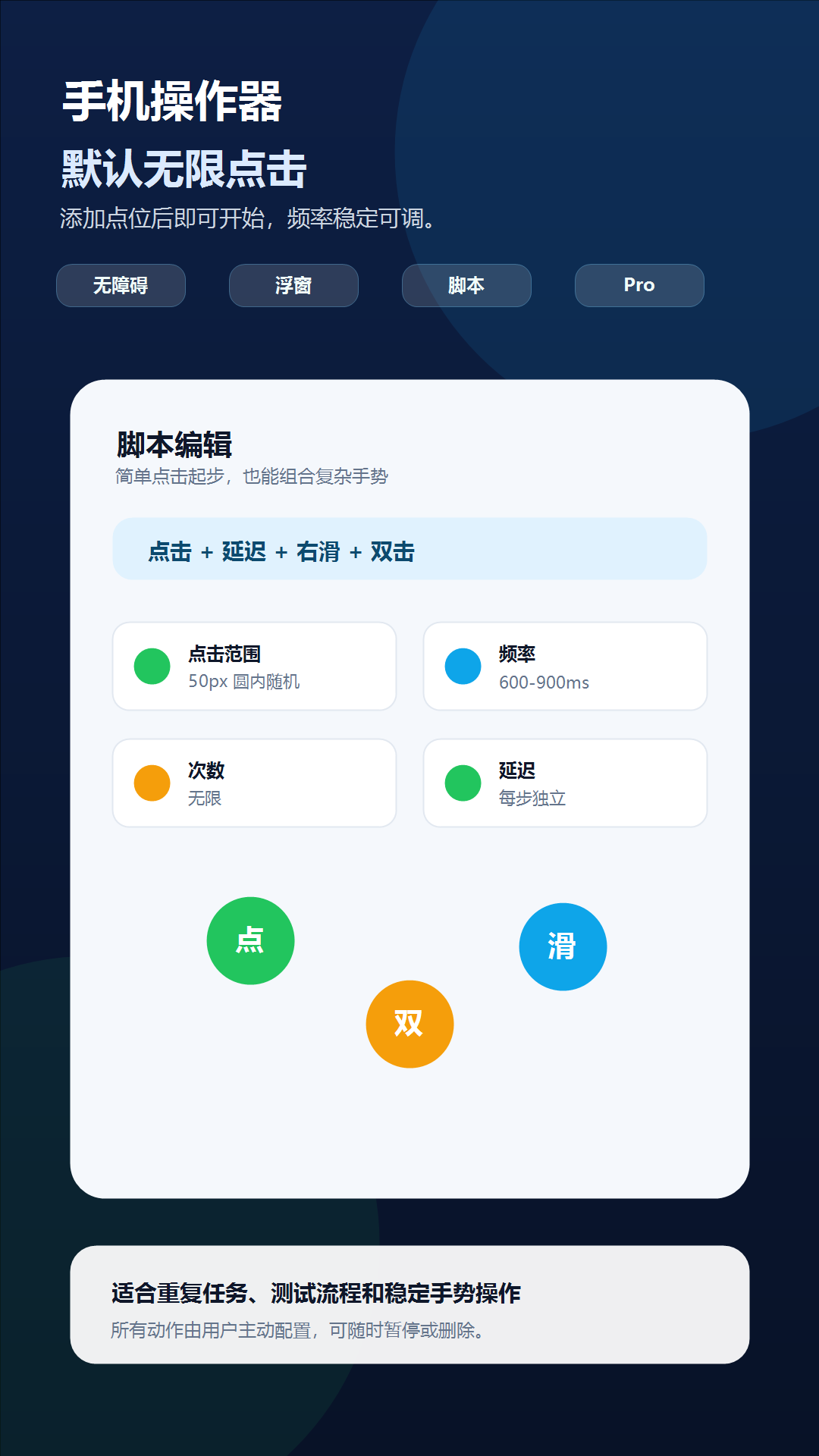
Phone Operator works without root on Android 8+. Its Accessibility Service executes only user-configured gestures after you start them. The overlay is used for controls and markers, so you can position an action and keep Start, Pause, and Stop available above the target app.
Phone Operator does not collect, store, or upload screen content. Action positions, timing, ranges, and saved scripts remain on the device. Review the full privacy policy before enabling permissions.
Start deliberately
Practical steps
- 1Start with a short finite runConfirm one harmless tap or swipe works while the display is on before changing any system setting.
- 2Review screen timeoutOpen Android display settings and choose a timeout long enough for the supervised session, then restore your preferred value afterward.
- 3Reproduce background interruptionsOnly review app-specific battery or background controls when the same run stops after switching apps or leaving Phone Operator in the background.
- 4Watch power and temperatureKeep the Stop control reachable, avoid unattended charging, and stop when the device becomes unusually warm or the target screen changes.
Display state
Screen timeout and Accessibility gestures are separate
A configured script cannot keep interacting with the visible target after the display locks. Phone Operator provides a shortcut to display settings but does not silently change screen timeout or bypass the lock screen. Set a temporary timeout yourself only when a supervised run needs it.
A longer timeout consumes more power and leaves content visible for longer. Return to your normal setting when the task ends, and never use automation to enter a PIN, password, payment confirmation, or other protected input.
Power management
Change the smallest app-specific power setting that solves the interruption
Samsung, Xiaomi, Huawei, and other Android builds can restrict background work differently. First identify whether the overlay disappeared, Accessibility stopped, the display locked, or the target app stopped responding. Then adjust only the matching app-specific setting instead of disabling device-wide protection.
Fast repeated gestures, a bright display, network activity, and charging can increase battery use and heat. Use a conservative interval, ventilate the device, and stop the run if temperature, battery drain, or responsiveness becomes abnormal.
Check one variable at a time
Troubleshooting
- Display locks during the run: increase system screen timeout temporarily and keep the device supervised.
- Controller disappears after switching apps: recheck Display over other apps before changing battery settings.
- Controller stays visible but gestures stop: recheck Accessibility Service and restart a short test.
- Run stops only in the background: reproduce it twice, then inspect Phone Operator's app-specific battery setting.
- Device becomes warm or slow: stop, let it cool, reduce brightness, and increase the gesture interval.
- Target layout moves after a notification or rotation: stop immediately and reposition affected markers.
Safety boundary
Use automation responsibly
A long-running script must remain visible, supervised, and easy to stop. More permissive power settings do not make a changing screen safe to automate.
Do not automate payment, purchase, transfer, account-security, privacy-consent, or CAPTCHA screens. Do not use Phone Operator for fake engagement, cheating, bypassing safeguards, or any action that violates the rules of the target app. Stop whenever the screen is different from the one you tested.
Common questions
Questions about keep a supervised android automation run awake
Does Phone Operator prevent Android from sleeping?
No. It opens the relevant display settings so you can choose and later restore a screen timeout yourself.
Should I disable all battery optimization?
No. Reproduce the interruption first and change only the app-specific control needed for the supervised task.
Can I leave a script running while charging overnight?
That is not recommended. Keep long runs supervised, monitor temperature, and stop when the screen or device state changes.
Device-maker documentation